How it works
Add focused game-development tools to the assistant you already use.
Start a verified trial, connect PlayKit, then choose the kit that matches the work in front of you.
Card required. Then $67/month per developer unless you cancel.
Create your account, verify email and complete Stripe checkout.
Add the PlayKit connection using your private account setup.
Check each kit's editor, runtime and prerequisite requirements.
Ask for one concrete result, then inspect and adapt it in context.
Tools become editable work and usable systems.
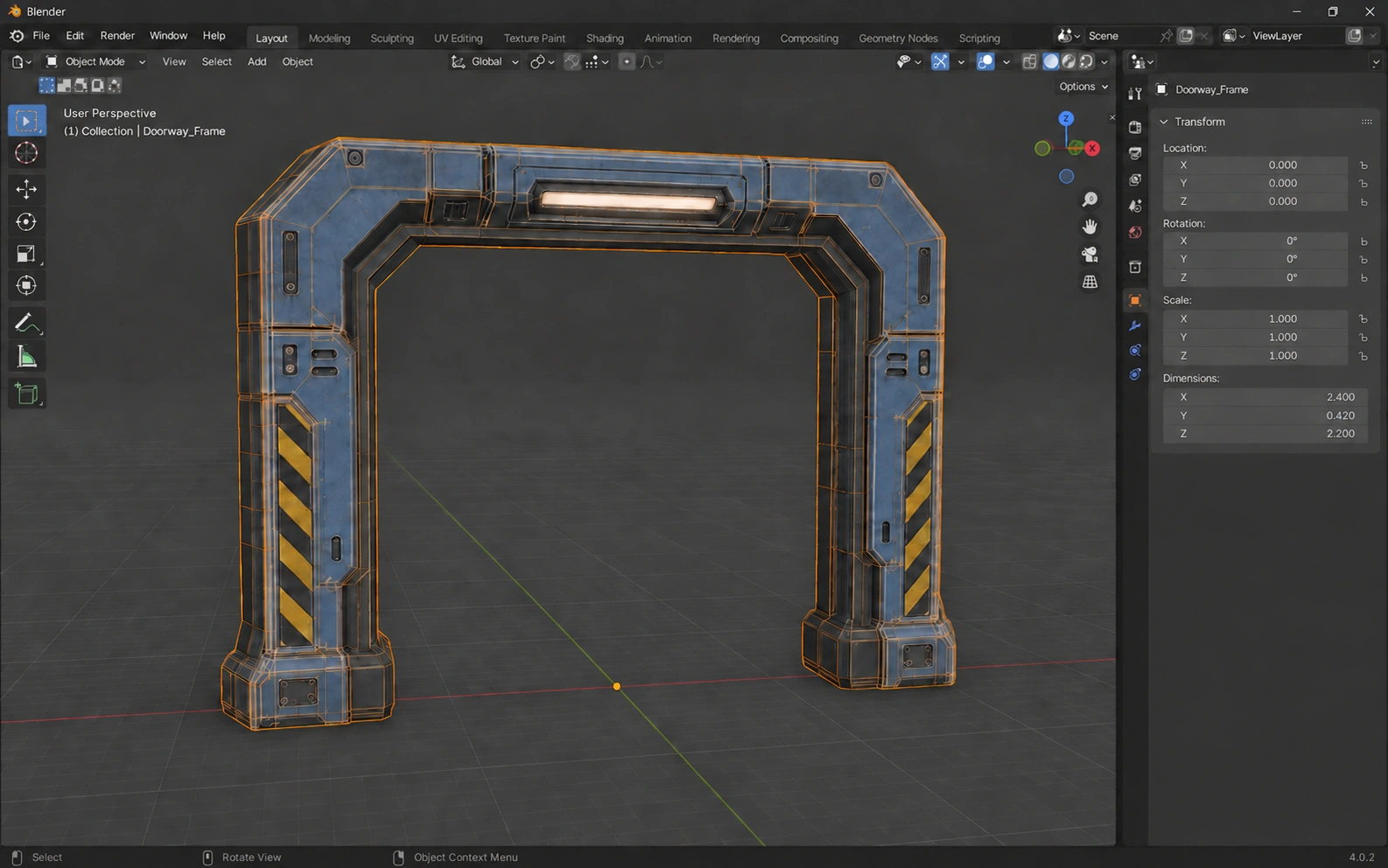
Different kits produce different artifacts. These examples show an asset source and a system boundary, not an instant finished game.
Build.Grid.snap(desc, worldPos, rotSteps)→BuildServer.place(player, plot, objectId, col, row, rotSteps)Switch scenarios to inspect the responsibility boundary. This interactive diagram explains the shipped API pattern; it is not a recorded game run.
Each kit carries its own setup.
PlayKit is not a replacement editor. The catalog tells you what the selected workflow needs.
Blender, a supported assistant and the target-engine handoff for that kit.
Studio plus the listed Game Core, UI, data or economy prerequisites.
Windows, Node.js 18.17+, a supported local editor MCP and a live editor.