From “I just joined” to
a live game you keep improving.
Choose your game. Build it. Share it. Keep improving.

A small game.
A clear next step.
*Aim for two build weeks. Take up to 30 days of building, then move to testing.
Share each milestone to get feedback and help when you need it. There’s nothing to post when you join, and your game plan goes with your concept in Step 5.
Join. You’re in.
Answer three quick questions. Get your PlayKit key the same day.
WithYour welcome message
You’re ready to start
No post needed yet. Next: watch the welcome video and set up PlayKit.
Here’s your path.
Watch the two-minute welcome video. Set up PlayKit with your AI assistant.
WithWelcome video + PlayKit setup
Introduce yourself
“I’m ___, my game idea is ___ (or: no idea yet).”
Three ideas.
One choice.
Research what’s working on Roblox. Explore three ideas, or reshape the one you brought. Pick one.
WithPlayKit research when available; otherwise, research with your AI assistant
Share your pick
“My 3 ideas: ___. I picked ___ because ___.”
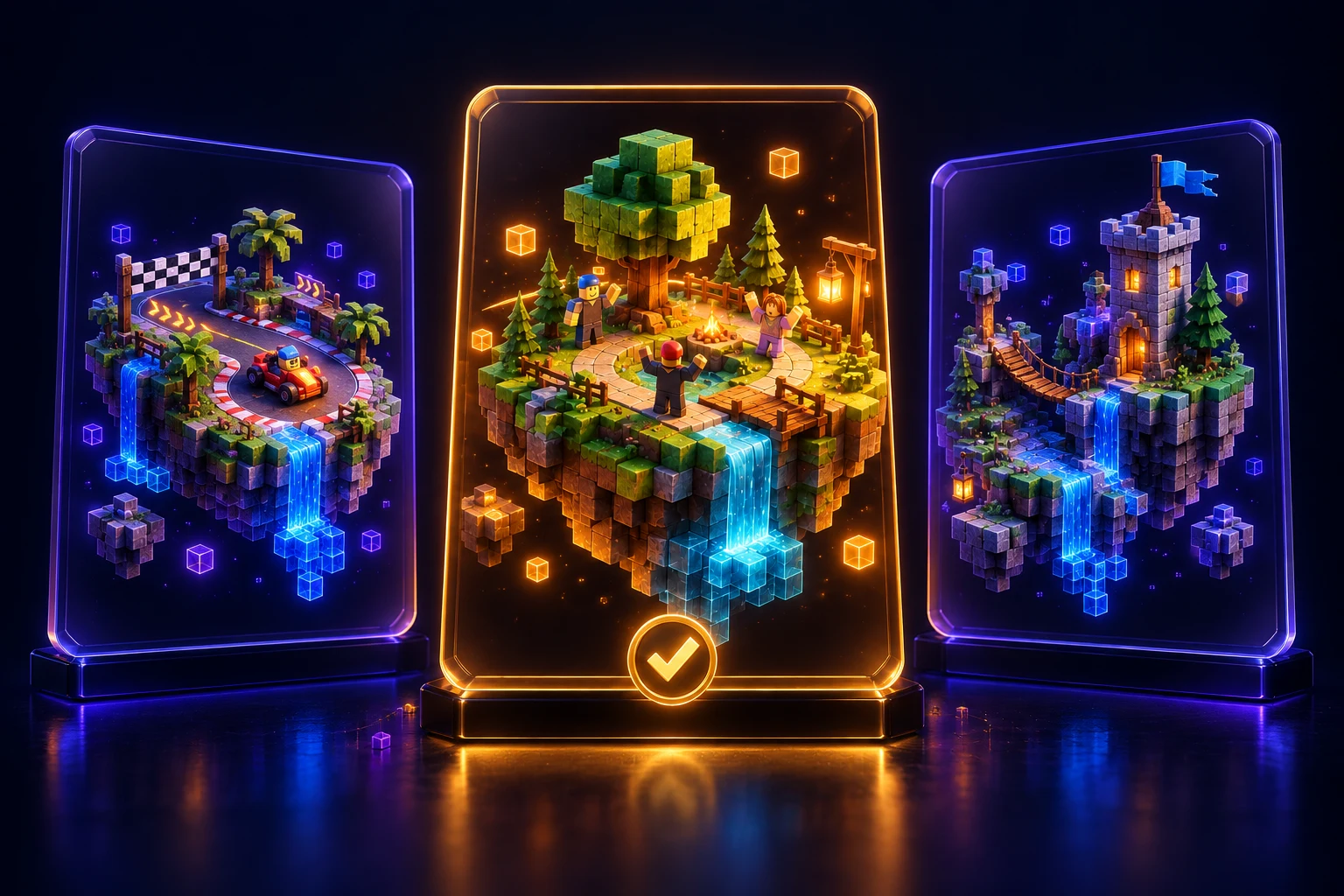
Small enough
to ship.
Make a one-page MVP game plan: your core loop, version 1, and what waits.
WithPlayKit game planning + your AI assistant
Bring your plan to Step 5
Attach your one-page plan when you share your concept and ship date.
Give your game
a ship date.
Post your concept and plan. Get feedback from Mark and the community before you build.
WithYour plan + the community
Make it official
“Game: ___. Core loop: ___. Plan attached. Shipping by ___.”
Post your concept to unlock Build + Ship with Mark.

Build v1 in two weeks.
Aim for a playable version in two build weeks. Keep it small. At day 30 of building, stop adding features and move to testing.
WithPlayKit building tools + Roblox Studio
Show this week’s progress
A clip or screenshot, plus “finish line hit” or “stuck on ___.”

- Build week 1Core loop playable
- Build week 2v1, start to end
- Week 3, if neededPolish + fix
- Day 30 maxMove to testing
Phone first.
Analytics on.
Test on phone and tablet. Fix what breaks. Turn on analytics before you publish.
WithPlayKit device checks + analytics setup
Show it working on mobile
A phone screenshot or clip, plus “passed phone test, analytics on.”
Your test post unlocks Players + Updates with Mark.

Go live.
Invite real players.
Publish, share your game link, and swap playtests with other members. Work toward your first player milestone.
WithRoblox publishing + community playtests
Share your launch
Your game link + one screenshot. Let the community play.
Your shipped game can be picked for Playtest Friday.
Ship. Learn.
Do it again.
Use your numbers to choose one change at a time. Repeat for 30+ updates. Look for what helps players.
WithYour analytics dashboard + PlayKit building tools
Tell us what changed
“Update #N: changed ___, number went from ___ to ___.”
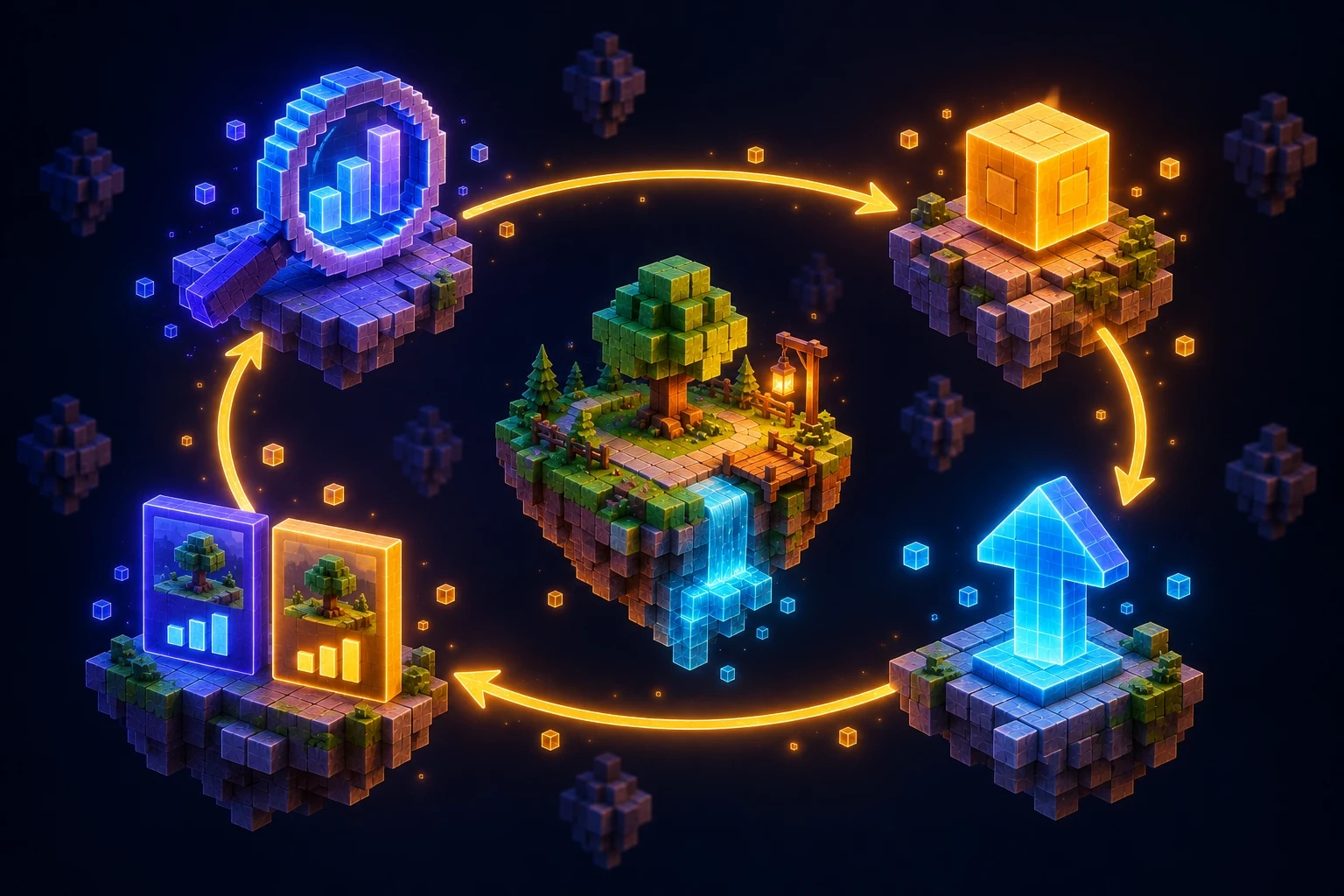
30+ updates. Each one is a chance to learn.
Build with help.
Keep showing up.
Mark replies.
Feedback before you build.
A member game, played.
Mark picks one shipped game each week and posts notes.
Ask about growth.
Getting players, ads, and analytics.
Updates get noticed.
Celebrate members shipping the most updates.
Pick your game.
You don’t need the perfect idea.
You need one small game to start.
Open “Your Game Path,” then “Welcome: here’s your path.”